
The simplest, step-by-step outline for uploading a print-ready book.
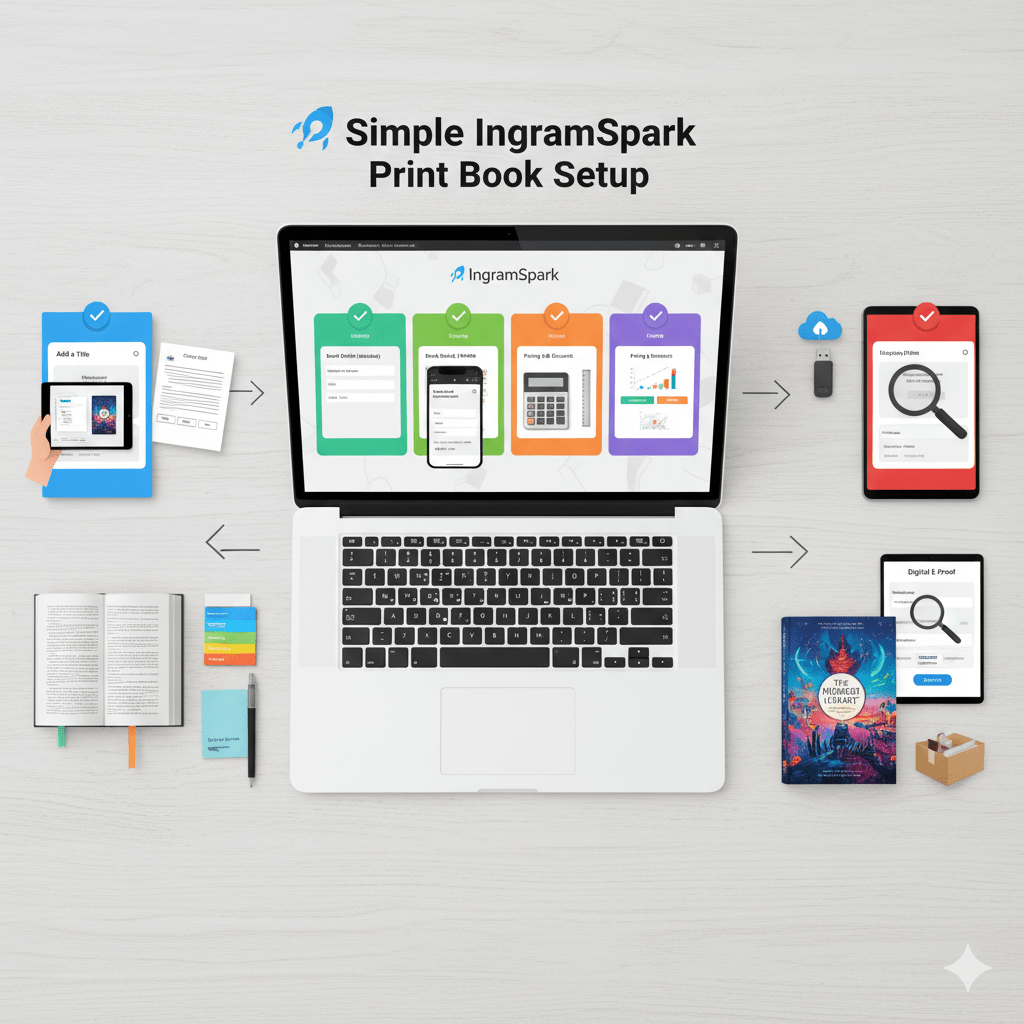
Before you start, make sure you have your two required files, both as PDFs:
- Interior File: The complete manuscript, correctly formatted to your chosen trim size.
- Cover File: The complete, full-wrap cover (front, spine, and back) created using an IngramSpark template.
🚀 Simple IngramSpark Print Book Setup
Phase 1: Start the Title Setup
- Log In: Go to your IngramSpark account.
- Select Title: On the dashboard, select “Add a Title” (or a similar option) and choose “Print Book Only.”
- Confirm Files: Select “Yes, all my files are ready” and check the boxes to confirm that your files are correctly formatted.
- Distribution: Select “Print, distribute, and sell book” (unless you only want to print copies for yourself).
Phase 2: Enter Book Details (Metadata)
- ISBN & Imprint: Enter your Print ISBN (or choose a free one if in the US/UK, noting this uses their “Indy Pub” imprint). Enter your Imprint (publisher name).
- Basic Info: Enter the Title and Language.
- Contributors: Add the Author and any other contributors.
- Descriptions & Keywords: Enter your Book Description (blurb) and your Keywords.
- Categories: Select your BISAC Subjects (categories) and Audience (e.g., Trade for Adult).
Phase 3: Define Print Specs & Pricing
- Print Specs: Select the physical details of your book:
- Binding Type (e.g., Paperback, Hardcover).
- Trim Size (e.g., 6 x 9 in).
- Interior Color (e.g., Black & White Standard).
- Paper Stock (e.g., Cream or White).
- Page Count (Enter the exact final count from your interior PDF).
- Cover Finish (e.g., Glossy or Matte).
- Pricing: Enter the Retail Price for each market (e.g., US, UK).
- Wholesale Discount: Set your wholesale discount (often 55% is recommended for best distribution).
- Returnability: Choose your returns option (most customers opt for Non-Returnable to avoid fees, but Returnable encourages more store stocking).
Phase 4: Upload Files
- Upload Interior: Upload your final Interior PDF file.
- Upload Cover: Upload your final Full-Wrap Cover PDF file.
- Review: Submit your files.
Phase 5: Finalize
- Wait for Review: IngramSpark will check your files. This usually takes a few business days.
- Approve Proof: Once reviewed, you will receive an email to view and approve a digital e-proof on your dashboard.
- Order Proof Copy (Recommended): After approving the e-proof, it is highly recommended to order a physical copy to check the print quality before making it available for sale.
Your book is live and ready for distribution once you approve the final proof!